The Audio Wizard software we used to sell helped to create flash based audio which could be easily embedded on a website. It worked well at the time but has limited compatibility with a lot of devices nowadays. Today embedding mp3 audio is much more preferable. A simple way to embed mp3 audio onto a website is to use the following code :
<div align="center"> <p><CENTER>
<br> <font size="5">Click the buttons below to listen to an excerpt</font><br> <audio controls>
   <source src="https://website.com/yourmp3file.mp3" type="audio/mpeg">
Your browser does not support the audio element.
</audio> </div>
An example of this code in action is the following extract from the audiobook version of ‘Think and Grow Rich’
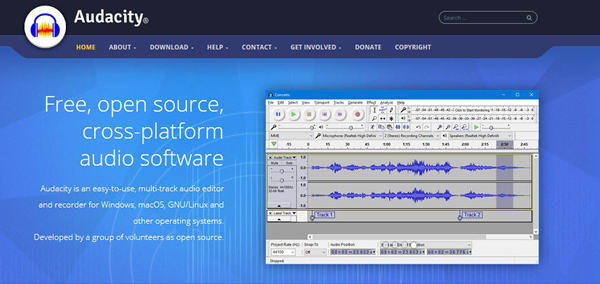
It was also possible to use Audio Wizard and a microphone to record your own messages – for that I would now recommend the free open source Audacity software from https://www.audacityteam.org/